Browser Extension for DynePass
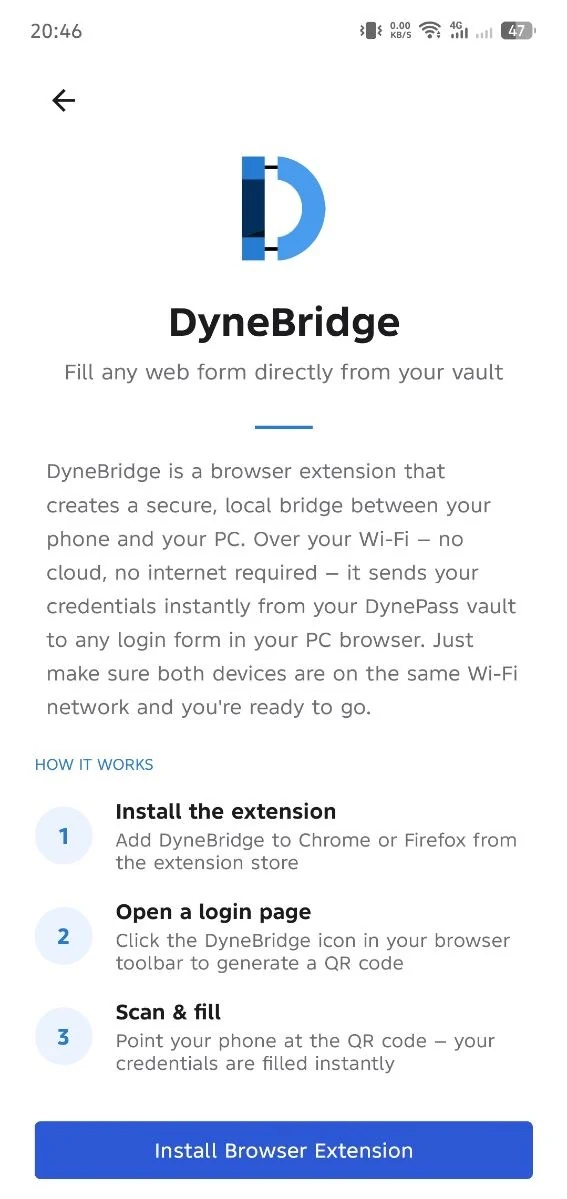
Scan a QR code with the DynePass Android app and DyneBridge fills your username and password into the page you're logging into — over your own Wi-Fi, end-to-end encrypted.
Two parts, both needed: the DyneBridge extension in your browser, and the small DyneBridge Helper app on the same computer (Windows, Ubuntu, Fedora). Get the DyneBridge Helper ↓
Every credential transfer starts with you, and stays on your own network
On the site you're logging into, click the DyneBridge icon in your browser to bring up a QR code.
Scan the QR code with the DynePass Android app. This bootstraps a secure key exchange only your phone and browser can see.
Your credentials are encrypted on your phone and sent over your own local Wi-Fi network — never over the internet.
DyneBridge decrypts your credentials locally and fills them straight into the login form.
DyneBridge's entire design exists to move one thing — your login credentials — from your phone to your browser, and nothing else
Credentials are encrypted on your phone with AES-256-GCM, using a key derived from an ECDH (P-256) exchange bootstrapped by the QR scan. Only the extension can decrypt them.
All communication happens over your own Wi-Fi, between your phone and your computer. Credentials are never sent to DyneBridge, to us, or to any third party over the internet.
The DyneBridge Helper, a small program on your own computer, passes messages between your phone and browser, because an extension can't accept network connections itself. Your browser starts it only while you pair, and it only ever sees ciphertext.
Every credential message carries a sequence number and timestamp, and your phone's identity is authenticated during the handshake so another device on the network can't inject or intercept data.
The extension keeps the most recently received credentials in short-lived, session-only storage, cleared automatically after a few minutes or when the browser session ends.
Nothing happens automatically or in the background. Every transfer is initiated by you, by opening the extension and scanning a QR code.
Every permission maps to exactly one feature — nothing more
Chrome shows these as "Read and change all your data on all websites", so DyneBridge can fill the login form on whichever site you're on, and "Communicate with cooperating native applications", so it can start the DyneBridge Helper on your computer.
To detect which website you're on and fill the login form on that page.
Loads on every site so it's ready wherever you choose to fill credentials, but stays completely passive until it receives a message triggered by your own QR scan.
To start and talk to the DyneBridge Helper on your own computer, which forwards encrypted messages to and from the DynePass app. It doesn't give the extension access to any website or network address.
To keep the short-lived, session-only credential cache described above.
Full details are in the DyneBridge Privacy Policy.
Two parts, installed once: the extension in your browser, and the small DyneBridge Helper on the same computer. DyneBridge needs DynePass Premium in the Android app.
Chrome asks for two permissions when you add it (why), and may show an Enhanced Safe Browsing caution, which it shows for extensions from publishers new to the Chrome Web Store.
Windows, Ubuntu, Fedora. Without it, the extension shows Helper missing.
Download the DyneBridge HelperWant to know how your data is handled first?